Medical and Dental Career in Germany
eLogbuch for Doctors in Germany: Record Your Specialist Training from the First Job

eLogbuch for Doctors in Germany: Record Your Specialist Training from the First Job
DOCTORS IN GERMANY · FACHARZT TRAINING
An eLogbuch guide for turning your training into clear entries, supervisor confirmations and an organised record.
Author: Dr. Aditya Sai Published and sources checked: 21 October 2026
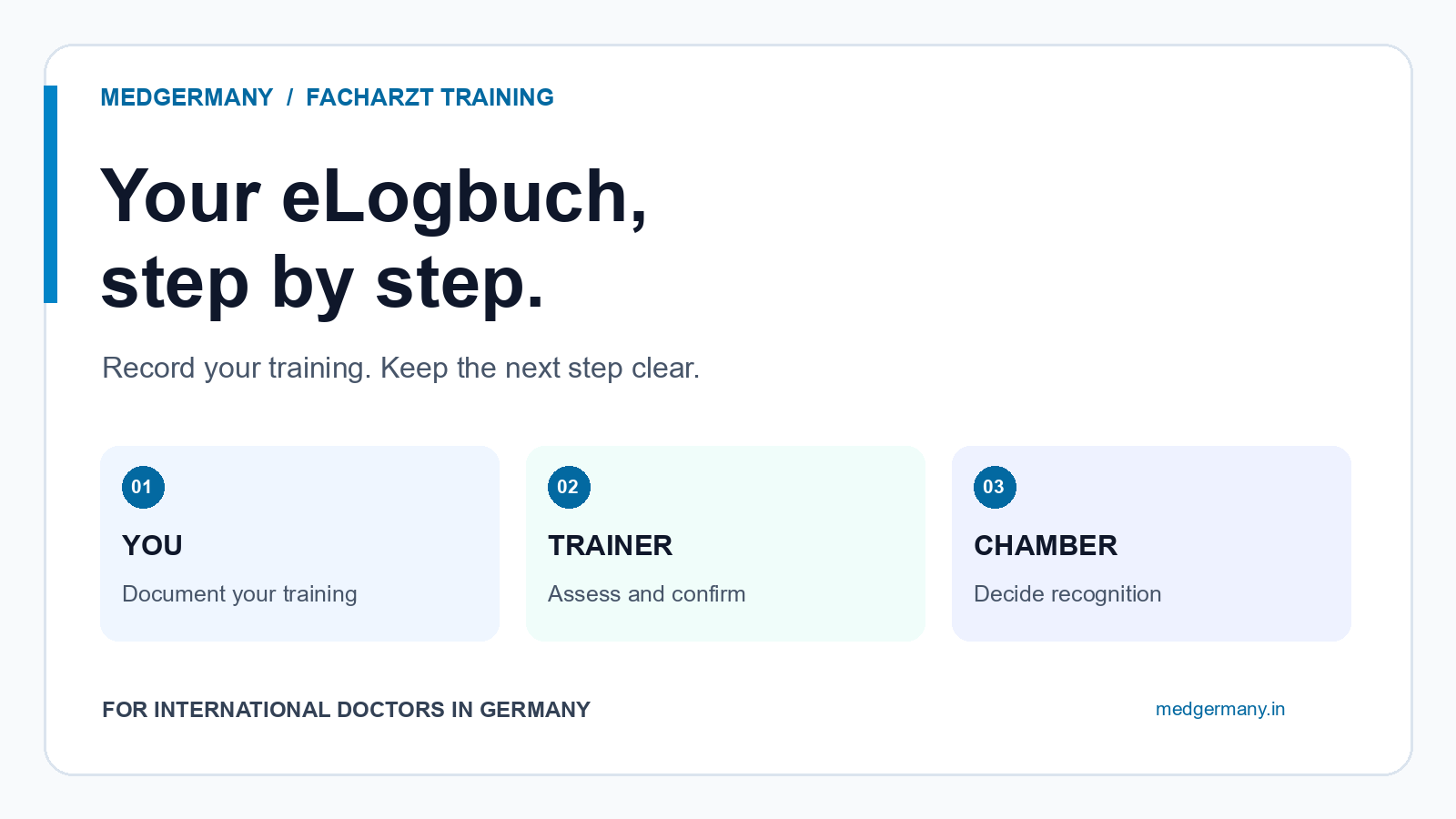
The direct answer: Your eLogbuch documents your specialist training. You record the training, your authorised trainer confirms your progress, and the competent medical chamber decides what training is recognised. A hospital contract or an eLogbuch account does not, by itself, make a period count towards your Facharzt qualification. Start by checking your chamber's rules, the trainer's authorisation and the correct logbook, then keep your entries and confirmations up to date.
This guide is for international doctors, including Indian MBBS graduates, starting or continuing medical specialist training in Germany. It is not a dental or nursing logbook guide. For the wider pathway, see our medical residency and Facharzt training guide. Here, we focus on the documentation you organise alongside that training.
The Bundesärztekammer's eLogbuch overview separates the trainee's documentation from the trainer's confirmation. Keep that distinction in mind as you work through the steps below.
In this guide
- Know who records, confirms and recognises
- Check the rules before creating entries
- Set up your logbook and training section
- Use a clear documentation worksheet
- Complete the confirmation loop
- Build a monthly routine
- Prepare for a job or chamber change
- India-specific notes and common mistakes
- How MedGermany helps
- Frequently asked questions
01. Know who records, confirms and recognises
So first, separate three responsibilities. Your work gives you learning opportunities, but those opportunities still need to be documented and assessed. The eLogbuch makes this visible; it does not replace the chamber's decision.
| Who? | Their part in your record |
|---|---|
| You, the WBA | Record your training and request assessment. WBA means the doctor undergoing training. |
| Your WBB | Assess and confirm training progress. WBB means a doctor authorised to provide specialist training. |
| Medical chamber | Apply the relevant training rules and decide recognition of training periods and examination admission. |
The official eLogbuch FAQ explicitly distinguishes an entered training section from the training time recognised by the chamber. Alongside this, use our Assistenzarzt contract checklist for employment terms. Your contract and your training record do different jobs.
02. Check the rules before creating entries
Your Weiterbildungsordnung, usually shortened to WBO, is the training regulation you need to follow. Do not choose a logbook simply because a colleague uses it. Check your specialty, the responsible chamber and the applicable version, including any relevant transition arrangements.
The Bundesärztekammer runs the software, but the regional chamber's training regulation matters for your qualification. Its overview also explains that electronic use can be compulsory or voluntary depending on the chamber. A national software system does not mean every local workflow is identical.
Saxony example, not a nationwide rule: The chamber's current WBO index links a version valid from 1 January 2025. In that linked regulation, §8 requires continuous documentation and confirmation of progress at least annually. Section 9 separately addresses the training certificate.
Read the currently linked Saxony regulation, especially §§8–9, rather than relying on the year in an old downloaded filename.
Now check who is authorised to train you, for which qualification and at which workplace. Saxony's training-authorisation directory warns that staffing and organisational changes can affect its information. If something is unclear, ask to see the authorisation or contact the chamber. A senior job title alone is not your verification.
03. Set up your logbook and training section
Registration and later login take place through your medical chamber's member portal. Once you have access, use the official first-steps guide for trainees to create the appropriate logbook and add the training section and trainer.
- Check your account details. Confirm your chamber membership and identity before building the record.
- Select the correct qualification. Match the logbook to the specialty and WBO you have checked.
- Enter the training section accurately. Check the dates, workplace and agreed working time against your documents.
- Add the correct trainer. If the search does not find them, ask about their registration and exact username rather than selecting somebody with a similar name.
- Agree how you will request confirmations. Ask who handles which part when several authorised trainers are involved.
The training-section instructions explain this setup and identify different portal arrangements for Bremen and Westfalen-Lippe. Follow the instructions for your chamber. Do not create extra sections just to work around an access problem.
For Saxony, the chamber's eLogbuch page explains regular entries, trainer assessment and return of the logbook. If the problem concerns membership access, contact your chamber; if it concerns the application, use the official eLogbuch support route.
04. Use a clear documentation worksheet
Recording a number is not the same as showing a competence. You need to know which requirement your entry belongs to and what your trainer is being asked to assess. Do not treat observing, assisting and performing a task as interchangeable.
Use this blank worksheet before entering unfamiliar items. It is an organisation aid, not an official form or a clinical case example. Replace each prompt with accurate information from your own training and the applicable logbook.
- Requirement: Copy the relevant competence wording from your logbook.
- Period and setting: Identify the actual training section and workplace.
- What happened: Describe your learning or activity accurately, without overstating independence.
- Assessment requested: Identify the competence or count needing confirmation.
- Responsible trainer: Confirm who can assess it within their authorisation.
- Next step: Record feedback, further practice needed or a pending confirmation.
For example, if you have entered an activity count but the competence assessment is still pending, keep those as two separate questions for your trainer. Do not assume the count automatically proves the required level.
Follow one entry from preparation to confirmation
Take one requirement from your actual logbook. First, identify the training section it belongs to. Then check whether your entry accurately describes what you did and what assessment you are requesting. After release, note that it is awaiting the trainer's assessment, not already confirmed.
Once the trainer returns the logbook, compare the assessment with your request. If the trainer confirms only part of what you requested, keep the remaining part open and discuss what you need to do next. If the trainer adds feedback, turn that feedback into a specific question for your next training discussion. Do not change your description simply to make the record look complete.
This gives you three useful working states: prepared, awaiting assessment, and returned with an assessment. They are organisation labels for your own checklist, not a claim that the software uses those exact status names.
Keep patient-identifying information out of your personal worksheet and routine logbook entries. The official FAQ's data-protection section addresses anonymised patient information. Do not upload a discharge letter or patient screenshot merely to make an entry look more convincing. Ask your institution about an appropriate, privacy-preserving way to support an entry.
05. Complete the confirmation loop
Once your entries are ready, they still need to reach your trainer. The official sharing-and-return instructions explain that the trainer sees the entries present when you release the logbook. The trainer does not have permanent access to everything you add afterwards.
Agree a review rhythm, release the logbook to the appropriate trainer, and check that it is returned after assessment. The FAQ describes release to one trainer or chamber at a time. So where several trainers are involved, coordinate the sequence instead of assuming simultaneous access.
After the return, check the actual confirmations and comments. A release notification is not a confirmation. If an item remains open, ask whether further evidence, supervised practice or a correction is needed.
A message you can adapt:
„Ich habe mein eLogbuch zur Bewertung freigegeben. Könnten wir die offenen Einträge gemeinsam besprechen und die Rückgabe abstimmen?“
If a release seems stuck, contact the trainer or support before withdrawing it. The official instructions warn that withdrawing a release can delete assessments made since that release. Do not use withdrawal as a routine refresh button.
06. Build a monthly routine
A short monthly check is a practical habit, not a nationwide legal deadline. It helps you notice missing entries while you can still discuss them with the team. Agree a manageable review schedule with your trainer.
- Bring recent entries up to date without guessing missing details.
- Check which assessment requests have been confirmed and returned.
- Review feedback and identify learning opportunities you still need.
- Check whether working time, workplace or trainer details have changed.
- Keep training discussions and relevant certificates organised.
- Save a dated PDF copy through the logbook's export function.
Alongside this routine, arrange the formal training discussions required by your WBO. A quick monthly check does not replace them. Use the conversation to discuss what you can already do, what needs further supervision and how the next rotation will address outstanding requirements.
07. Prepare for a job or chamber change
Before leaving a department, organise the documentation while your trainer is available. Check pending entries, the final review and your Weiterbildungszeugnis, the certificate describing the training period. Do not assume a general employment reference contains the training evidence your chamber needs.
Saxony's specialist-training FAQ lists logbook documentation and training certificates separately. Keep both. Check that dates, working time and interruptions agree across your records, and clarify discrepancies rather than carrying them into the next job.
Before your final working day, ask yourself:
- Can I identify the trainer responsible for every outstanding request?
- Have we agreed when the final assessment and logbook return will happen?
- Have I requested the training certificate and checked its factual details?
- Have I saved the returned record and relevant documents in an organised folder?
- Do I have a suitable contact route for any remaining documentation question?
If you move to another chamber area, use the official chamber-change instructions and compare the applicable WBO requirements. Taking your digital record with you and having all previous training recognised are separate matters. Ask the receiving chamber about unclear periods or requirements before making assumptions.
08. India-specific notes and common mistakes
If you are arriving after MBBS, keep your Indian internship, employment and any postgraduate-training documents organised separately from your German training record. Ask the chamber what evidence it needs if you want earlier experience assessed. Entering it into software does not decide recognition.
Also separate permission to practise from recognition of specialist training. If your situation involves a Berufserlaubnis or another unresolved licensing question, obtain a clear answer about the relevant period rather than assuming every employed month counts. Our licensing-authority and medical-chamber guide helps you identify the right office.
Avoid these mistakes:
- Waiting until resignation to request all confirmations.
- Choosing a trainer by seniority instead of checking authorisation.
- Counting the same activity twice under different trainers.
- Treating a saved entry as an assessed competence.
- Assuming a complete-looking logbook replaces the chamber's assessment.
09. How MedGermany helps
MedGermany can help you organise your wider Germany pathway and prepare the questions you need to ask about your job, documents and next step. Your authorised trainer assesses your training, and the medical chamber makes recognition decisions. Consultancy support does not replace either role.
Planning your Germany pathway? MedGermany can help you understand your profile, documents, language stage, FSP/KP route, and next practical step. Get your Germany roadmap or book a free consultation.
10. Frequently asked questions
Does an Assistenzarzt contract prove that my training will count?
No. Check the applicable WBO, training authorisation and your individual eligibility. The chamber decides recognition; the contract establishes your employment arrangements.
Who is responsible for keeping the eLogbuch current?
You are responsible for continuous documentation. Your authorised trainer assesses and confirms progress. Agree how often you will send assessment requests and discuss outstanding entries.
Why can I not see my trainer's confirmations yet?
Check whether the trainer has returned the released logbook. The official FAQ explains that their entries become visible to you after return. Ask the trainer before withdrawing a pending release.
Do I still need a Weiterbildungszeugnis?
Yes, do not treat the logbook as a replacement for all certificates. In the Saxony example, the chamber requires training certificates alongside the logbook documentation. Follow your own chamber's submission requirements.
Can I try the system before entering my real training?
The Bundesärztekammer offers a demo for learning the functions. Do not enter real data into it: the demo is not connected to the live system and does not create your actual training record.